Programming technique · B2.5.1
File processing
A text file provides persistent data: its contents can remain after the program ends. Sequential file processing reads or writes the file in order, so the program must choose the correct mode and close the resource reliably.
Persistent
Unlike an ordinary variable or list, file contents can still exist after the program has stopped.
Text file
The stored data is text. Numbers must be represented as text in the file and converted when numeric processing is required.
Sequential
The core model processes lines in order rather than jumping directly to an arbitrary record position.
Choose read, write or append deliberately, then use a resource-management structure so the file closes reliably.
Mode choice changes the file
| Operation | Existing file | Missing file | Effect |
|---|---|---|---|
| Read | Uses the existing contents | Fails: there is nothing to read | Does not alter the file |
| Write | Replaces/truncates the existing contents | Creates a new file where permitted | Starts new contents |
| Append | Preserves existing contents | Creates a new file where permitted | Adds at the end |
new FileWriter(path) is write/replace mode; new FileWriter(path, true) is append mode. Reading with Scanner(new File(path)) does not create a missing file.open(path, "w") is write/replace mode, open(path, "a") appends and open(path, "r") reads. Reading a missing file raises FileNotFoundError.Write a text file
Opening a FileWriter without append mode replaces the existing contents. Try-with-resources closes the writer automatically when the block ends.
Opening with mode "w" creates or replaces the file. A with block closes it automatically when the block ends.
Append instead of overwrite
Pass true to the FileWriter constructor to add new content at the end. Include a line separator when each record should occupy its own line.
Use mode "a" to add new content at the end without replacing existing records. Include \n when each record should occupy its own line.
Read line by line
Sequential reading normally checks whether another line exists, reads that line, processes it, then moves to the next one.
Trace the file state, not only the variables
| Step | Operation | notes.txt after the step |
|---|---|---|
| Start | existing file | Old note |
| 1 | write First note | First note — old contents replaced |
| 2 | append Second note | First noteSecond note |
| 3 | read line by line | unchanged |
Missing and empty are different
Missing file
The requested path does not identify a readable file. Reading should fail safely with a useful message.
Empty file
The file exists but contains no usable lines. This is not the same as the resource being unavailable.
Reliable closure
Java try-with-resources and Python with close the resource automatically, including when an error interrupts normal processing.
Check your understanding
Answer each question before opening the model answer.
-
A file already contains 30 records. What happens if you open it in write/replace mode and write one new record?
Reveal model answer
The previous contents are replaced/truncated; the file finishes with the new written contents, not the original 30 records.
-
Which mode should you use when a new log entry must be added without deleting earlier entries?
Reveal model answer
Append mode: FileWriter(path, true) in the Java model or open(path, "a") in Python.
-
What is the difference between a missing file and an empty file?
Reveal model answer
A missing file is unavailable at the requested path. An empty file exists but contains no usable records.
-
Why do these examples not call close() manually?
Reveal model answer
Try-with-resources in Java and with in Python manage the resource lifetime and close it automatically when the block exits.
Use a clear record format
Choose a delimiter or line structure that your reading code can interpret consistently.
Keep paths simple
During development, place small data files in a predictable project folder and report the path when debugging.
Stay within the file standard
This page teaches sequential text files. Databases, binary serialization and OOP persistence are separate topics.
Challenges Choose one
Choose a challenge that feels appropriate for you. Code heat is only a rough estimate, not a fixed level.
Quote of the Day
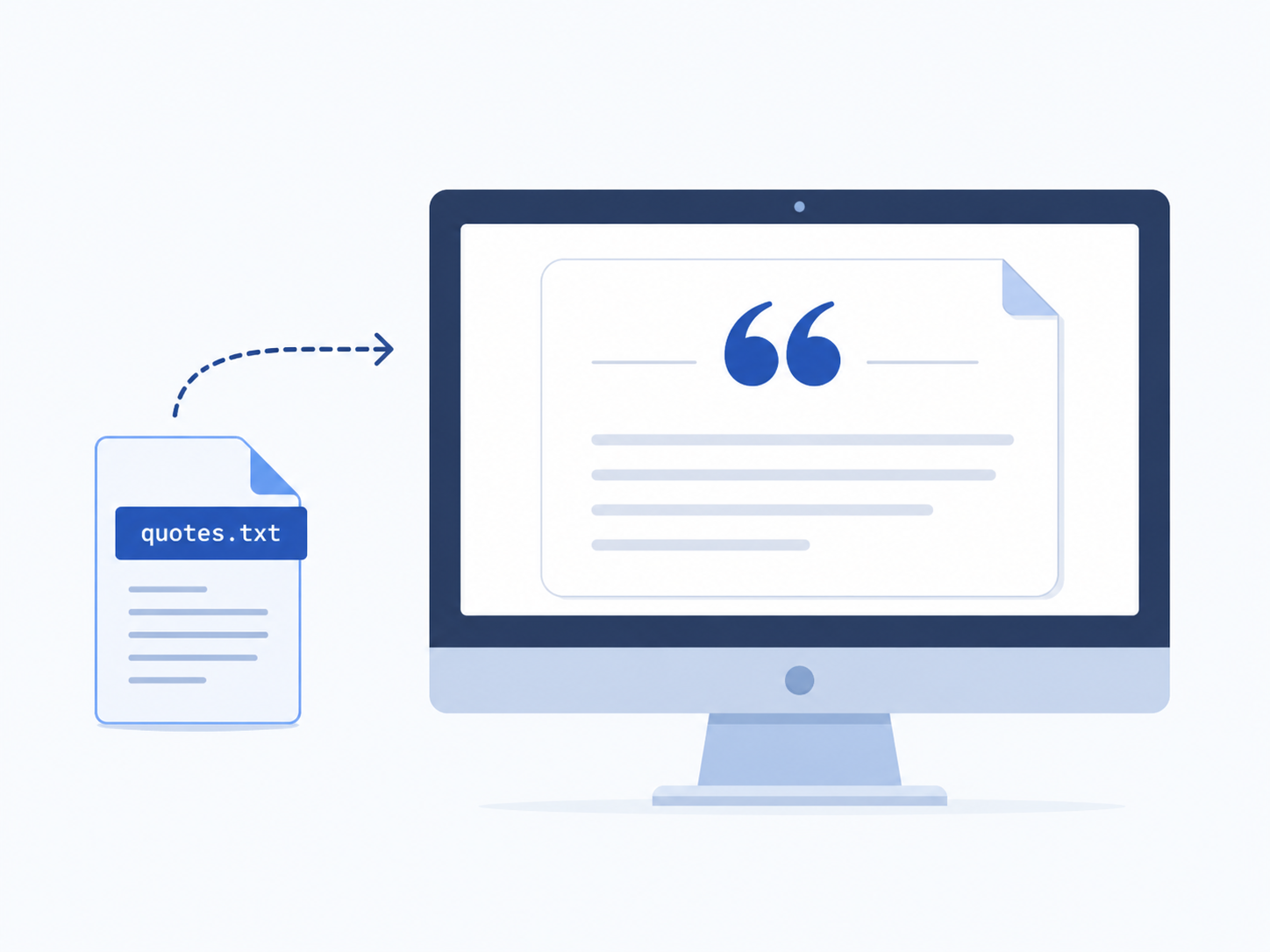
SelectedCreate a text file containing one quotation. Write a program that opens the file, reads the quotation and outputs it with a clear heading. Handle a missing file without crashing.
Random Quote
SelectedCreate a text file containing several quotations, one per line. Read every line into a collection and output one randomly selected quotation. Give a clear message when the file is empty or unavailable.
Product Catalogue
SelectedA product has a code, description and price. Repeatedly ask the user for product data until no code is entered, then append each product to a text catalogue using one consistent record format. Add a menu option that reads and displays the complete catalogue.

Till
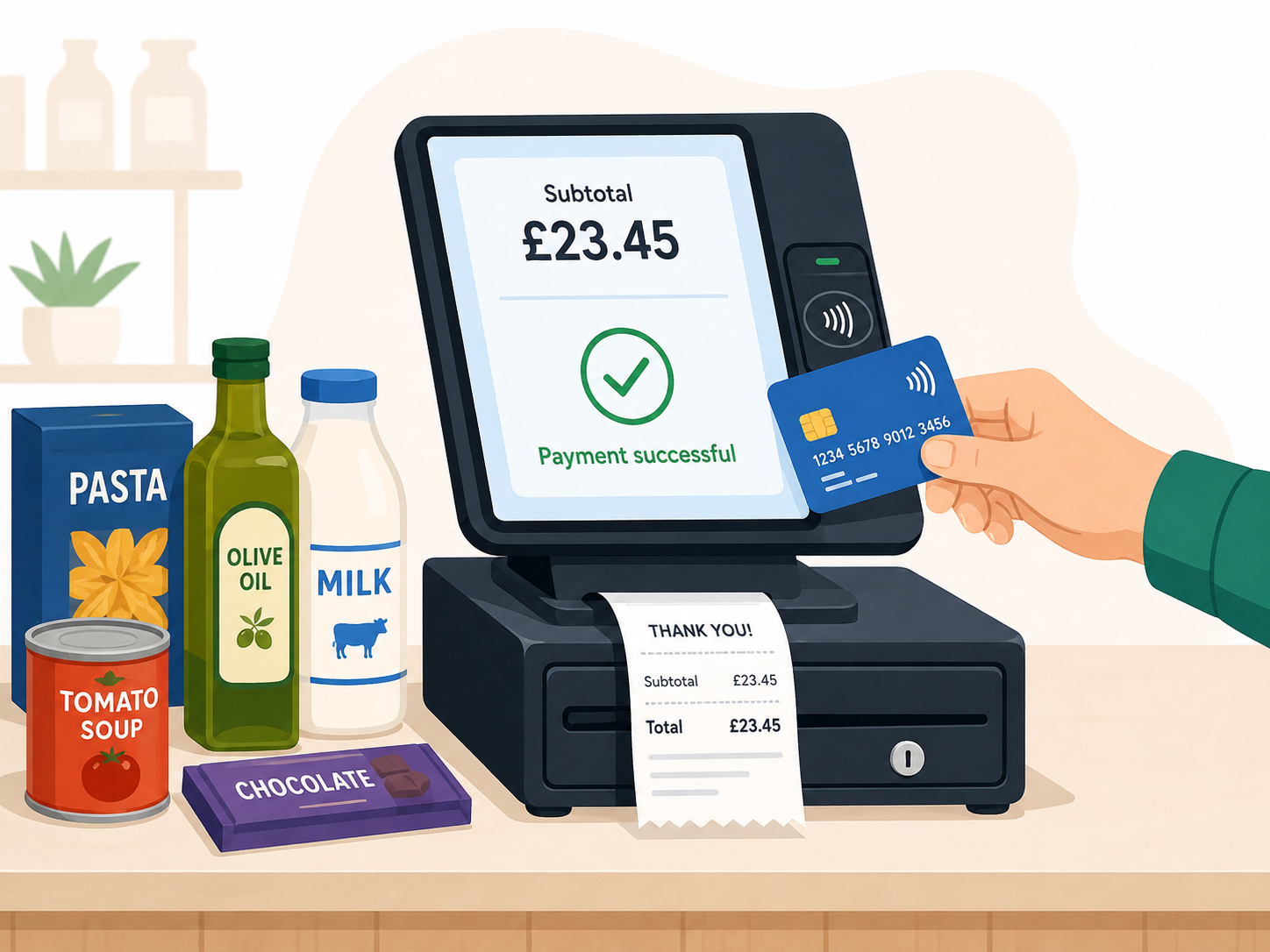
SelectedUse a product catalogue text file to create a simple till. In trading mode, enter product codes, find matching records, display descriptions and prices, maintain a subtotal, accept payment and calculate change. In admin mode, allow the user to view the catalogue and append a new product. Separate file operations, searching and transaction logic into methods.
Selected challenge
This choice is shared with the portfolio setup page.
Plan your solution in handwritten pseudocode
Before opening your IDE or writing any program code, handwrite pseudocode for this challenge on paper.
Not marked complete. If you submit now, the GitHub README will record “No”.
Create your challenge folder
Run this command after planning. It creates the correct empty folder inside your portfolio.
Complete the challenge
Use your handwritten pseudocode as the starting plan, then write and test your solution in the folder created above.
Optional two-level scaffold
Try from your handwritten pseudocode first. Scaffold gives some structure; Scaffold + comments gives stronger guidance. Use only the level you need, and update your pseudocode first if the support changes your plan.
Submit for review
Run this when your program is complete. It creates the README, commits the folder and pushes it. The README records whether you marked the handwritten pseudocode as complete; the paper itself is handed to your teacher separately.